Remote Desktop
Remote Desktop
0. Introduction
The main purpose of Remote Desktop is to allow you to easily connect to your remote desktop from different networks. For example, you can connect to your office computer from home for remote work.
1. Sign In to Your Account
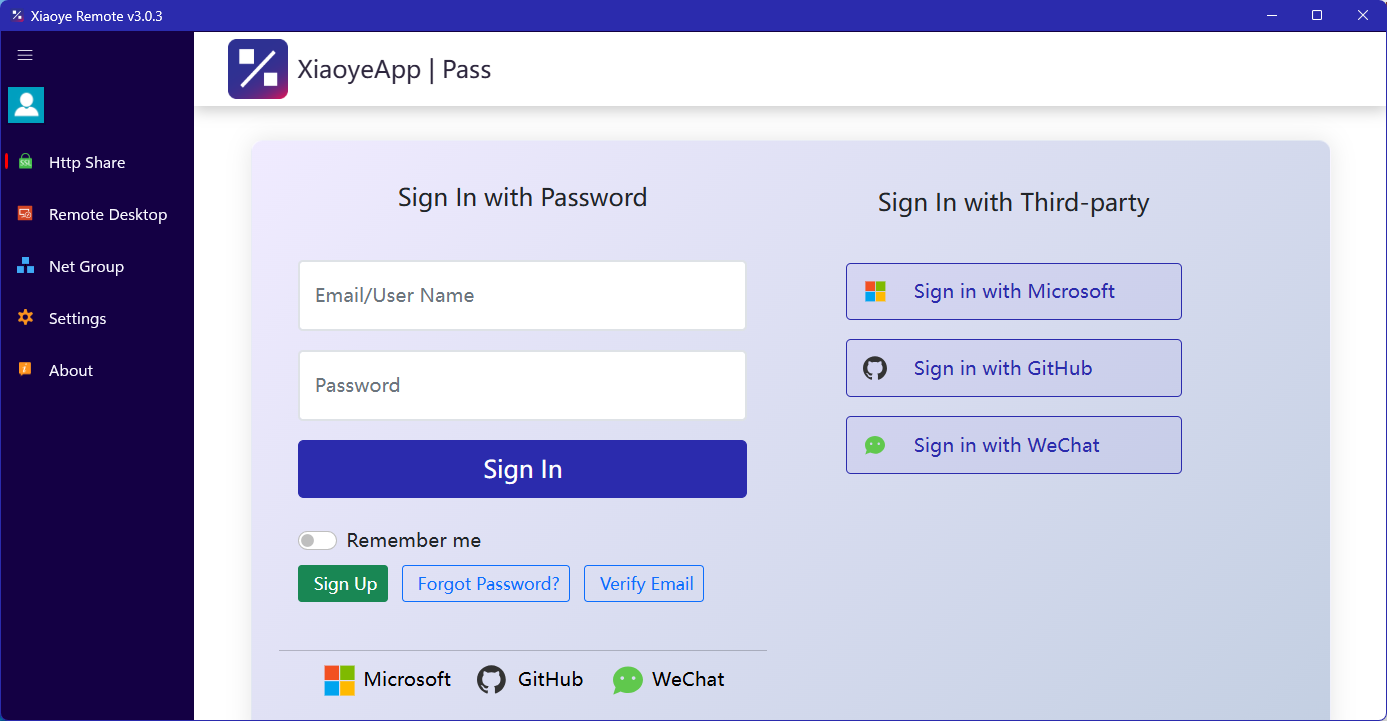
After installation, the main program will launch automatically and take you to the login page. If you are using email login, please click Register to go to the official website and create an account, then log in here. You can also log in with third-party account.
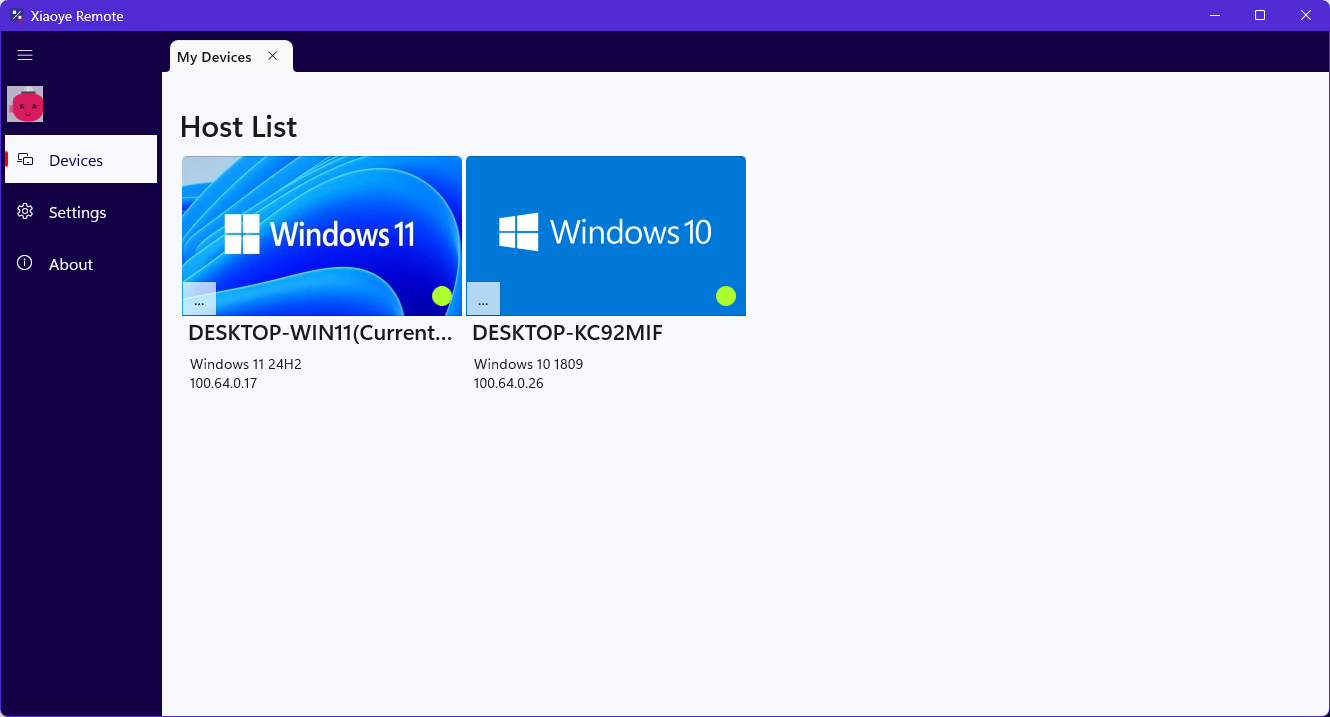
After logging in, you will be taken to the device management homepage. Log in with the same account on another device, and the two computers will be able to see each other.
2. Connect to the Remote Device
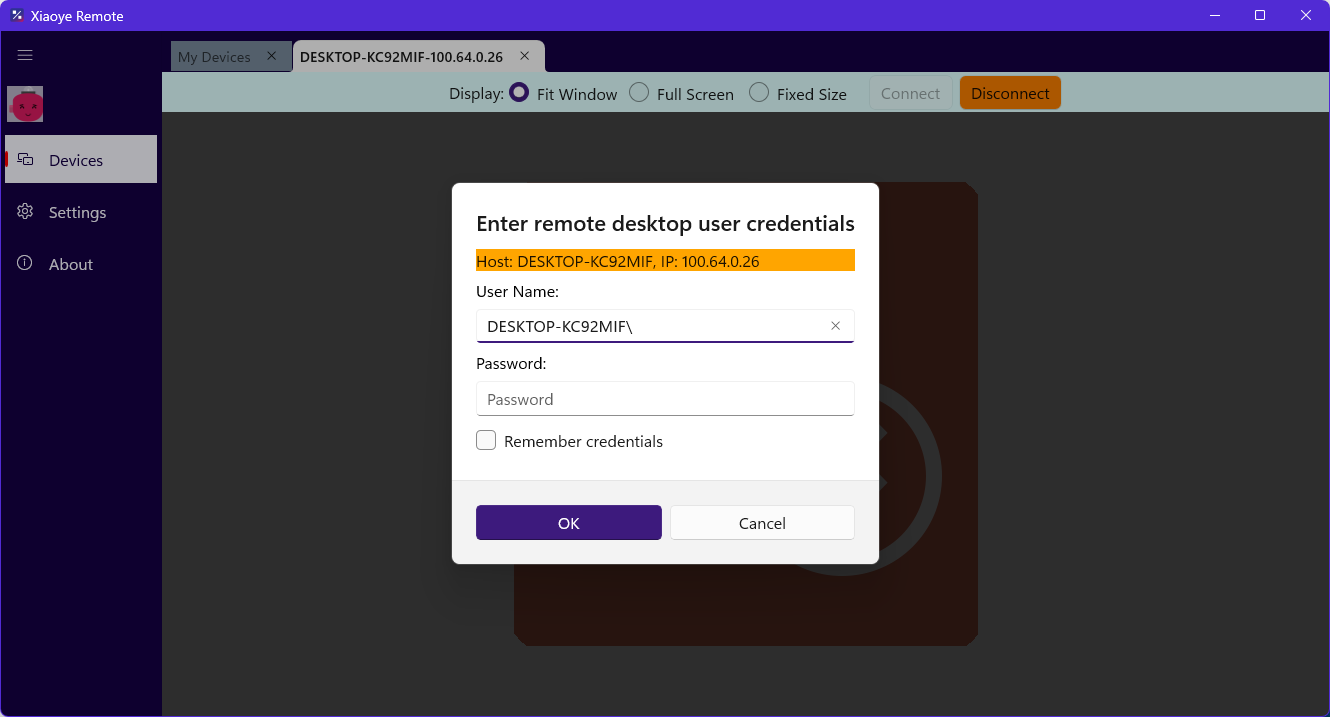
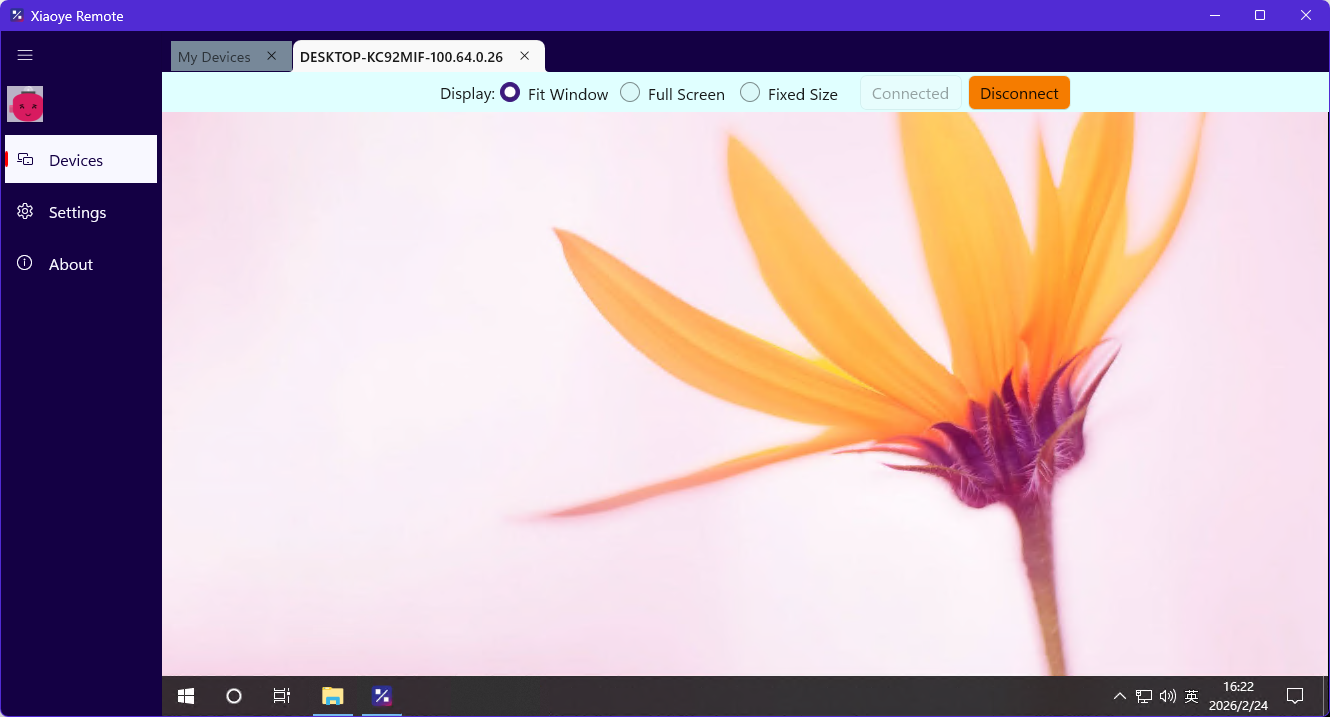
With the connection icon showing a normal status as shown in the image above, click on the target computer icon to initiate a connection. Enter your Windows Remote Desktop username and password to establish the connection.
If the connection indicator light is not normal, a prompt message will appear to help you identify the issue.