Windows Remote Desktop: From Start to Connection

· 2 min read
Author: XiaoyeApp

Category: Windows Remote Published: 3/10/2026

1. Preparation​

1.1 System Requirements​

✅ Two Windows computers (Windows 10/11 supported; older versions lack security updates and are not recommended)
✅ Both on the same network (or mutually accessible)
✅ Know the target computer's IP address
✅ Have the target computer's login account and password
Like Managing Browser Tabs? Xiaoye Remote Makes It Happen!

· 4 min read
Author: XiaoyeApp

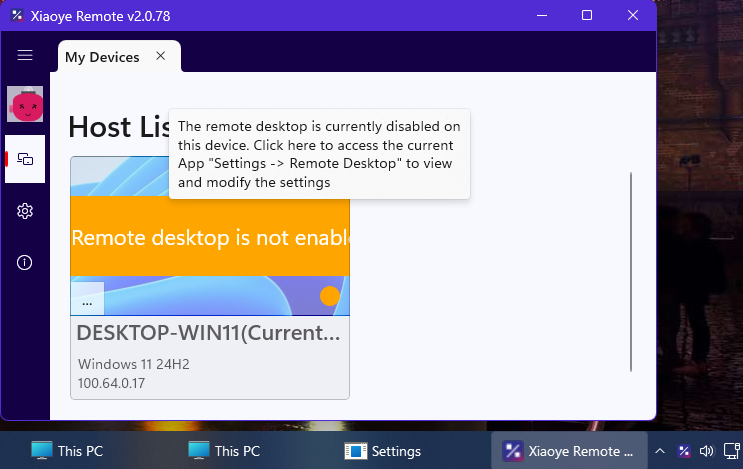
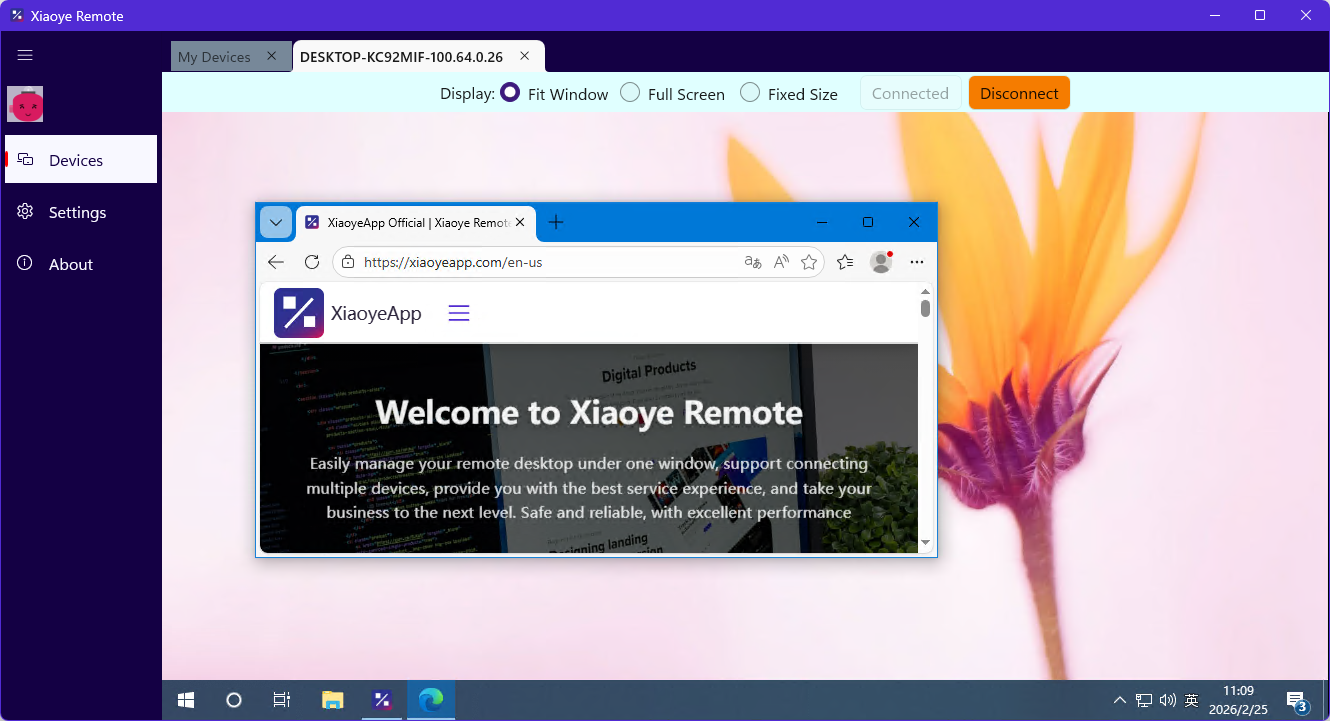
No more repeatedly entering IDs and passwords—manage multiple remote devices as smoothly as switching Chrome tabs

Have you ever faced these frustrations?

  • Having to enter those long, unmemorable numeric IDs and passwords for every remote connection
  • Opening five or six remote windows, only to have them pile up in your taskbar, making it a nightmare to find the one you need
  • Craving a smooth 4K experience, but ending up with a slideshow and a clipboard that won't sync

If you frequently switch between multiple Windows devices, the product introduced today might just solve your problems.

Xiaoye Pass Service Open to Partners

· 2 min read
Author: XiaoyeApp

Category: News Published: 1/31/2026

The authentication service of XiaoyeApp is now open to the public. Here, you only need to add your OAuth client application, and then your OAuth client can use Xiaoye Pass account to log in. As Xiaoye Pass service has already integrated some third-party account login, after adding your OAuth client application, your OAuth client can also indirectly use these third-party accounts such as Github to login, without the need for you to separately handle the integration of multiple authentication services.

This feature is mainly aimed at developers. Those who understand it can understand it, and those who don't can also understand after reading it. If you need it, come and try it out. For more details, please refer to the XiaoyeApp official documentation: https://blog.xiaoyeapp.com/docs

XiaoyeApp Official Blog Launched

· One min read
Author: XiaoyeApp

Category: News Published: 1/16/2026

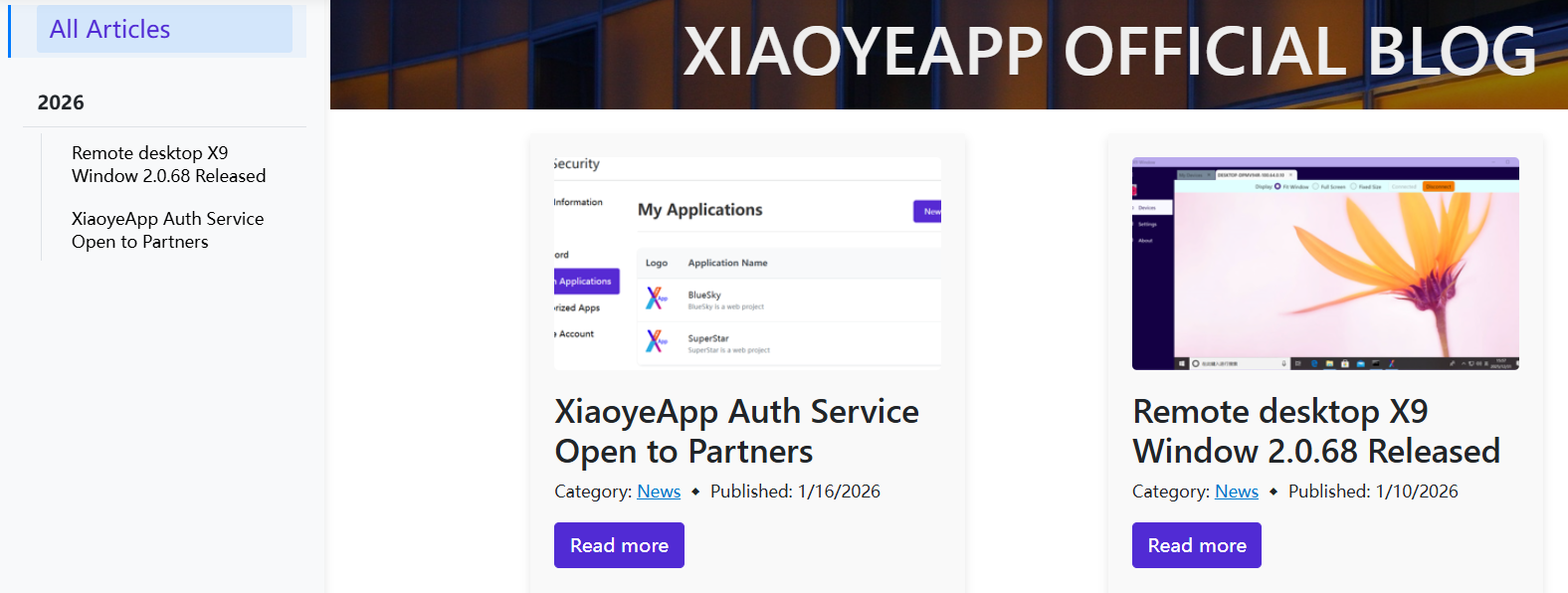
The official blog of XiaoyeApp has been launched, which not only provides the latest updates on official products, but also has a corresponding document center. In order to prevent you from getting lost while reading, a navigation bar structure has been added, and the overall structure is relatively clear.

If you are too lazy to open the website, you can also enjoy the same content on the official account. 😊

Blog Address: https://blog.xiaoyeapp.com/